
17 February 2026| Dubai, UAE [Posted at 3:14 pm ]
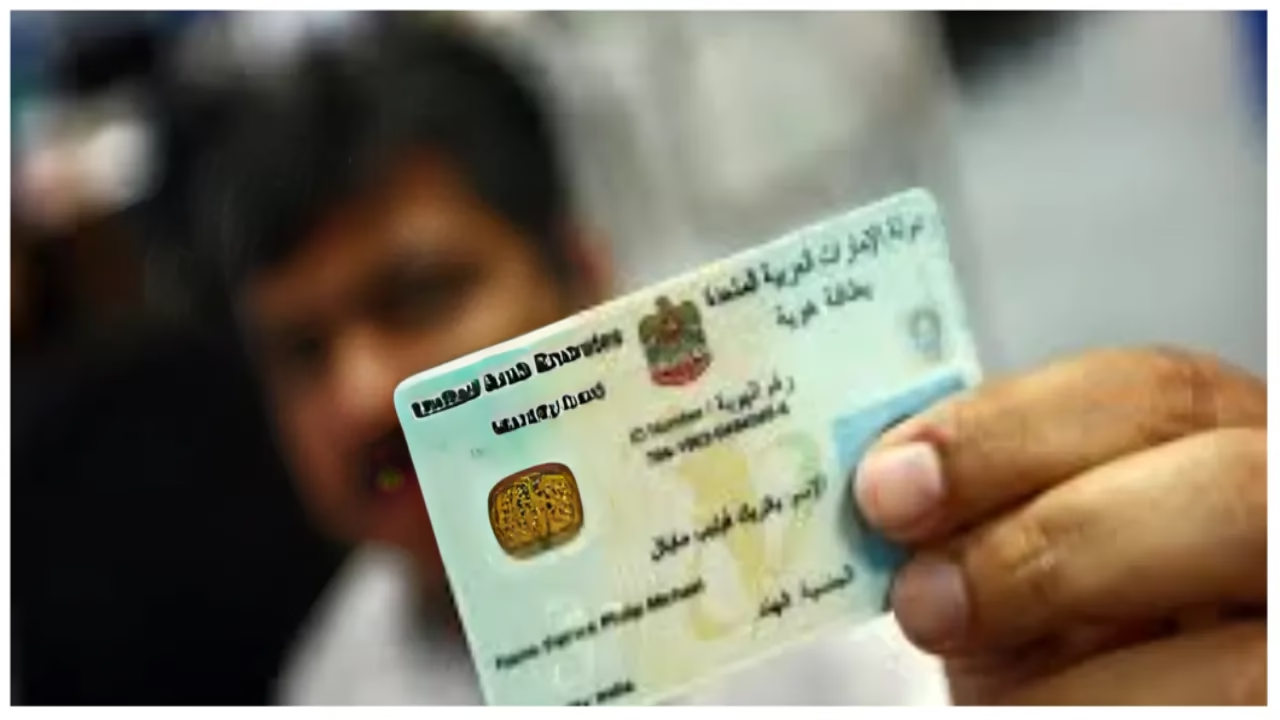
Your Emirates ID is more than just a card; it is your legal identity in the UAE. Whether you applied for a new card, renewal, or replacement, doing an Emirates ID status check regularly helps you avoid delays, fines, or service disruptions. This guide is written specifically for UAE residents and expatriates.
Related Reads: Complete Guide to UAE Public Services (2026): How Government Services in the UAE Really Work Today
UAE Unified Passport Emirates ID Renewal System: Faster, Smarter & Zero Bureaucracy Aligned
How to Check Traffic Fines in UAE (Dubai, Abu Dhabi & All Emirates)
What Is Emirates ID & Why Does It Matter
Overview: Before doing an Emirates ID status check, it’s important to understand why the card is critical in daily UAE life.
The Federal Authority for Identity, Citizenship, Customs and Ports Security (ICP) issues it. The Emirates ID is a mandatory, government-issued smart card for all UAE citizens and residents.
It serves as the official identification document containing personal biometrics and data. It is crucial for accessing government services, banking, healthcare, utilities, and travel, functioning as a primary tool for security and identity verification in everyday life.
It is mandatory for:
- UAE citizens
- GCC nationals
- Expat residents
Why It Is Important
Here’s why tracking your card matters:
- It is linked to your residency visa
- Required for banking services
- Needed for medical insurance activation
- Required for Ejari registration
- Used for telecom SIM activation
- Needed for employment contracts
- Required at airports for e-gates
Doing timely Emirates ID tracking prevents service interruptions.
How to Check Emirates ID Status Online (Official ICP Method)
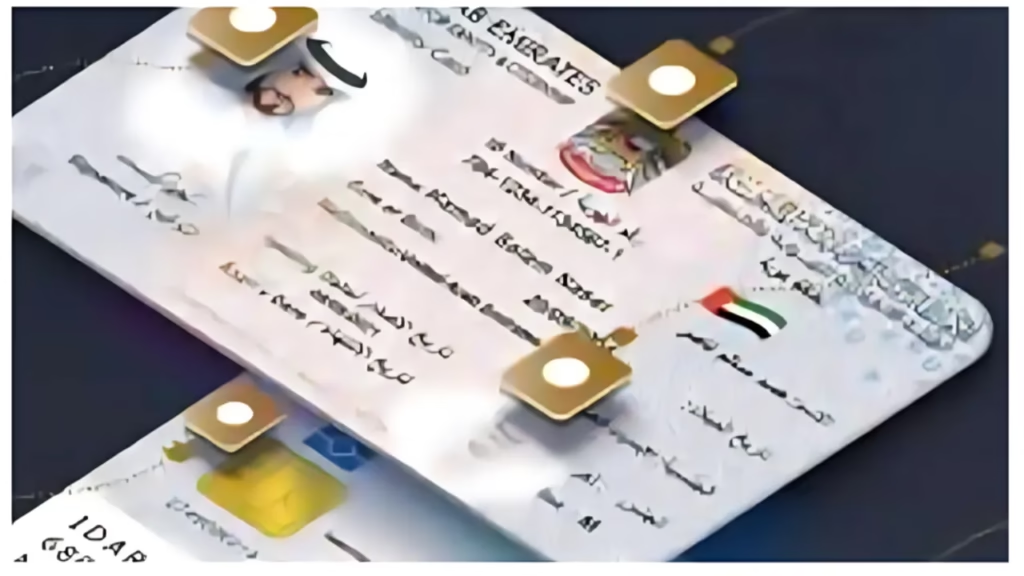
Overview: This is the fastest and most reliable way to do an Emirates ID status check.
If you want to check Emirates ID online, follow these official steps.
Step 1: Visit the Official ICP Website
Go to the official ID Card Status page: https://icp.gov.ae/en/id-card-status/. Only use official ICP portals for secure Emirates ID tracking.
Step 2: Enter Required Details
Before starting, keep one of these ready:
- PRAN (Application Number)
- Emirates ID number
- Passport number (if required)
Now:
- Enter your PRAN (for new applications)
- Enter Emirates ID number (for renewals or replacement)
- Complete captcha
- Click “Check”
Within seconds, your Emirates ID status check result appears.
Step 3: Understand the Status Message
After you check Emirates ID online, you will see one of these statuses:
- Application Received
- Under Review
- Approved
- Printing in Progress
- Dispatched
- Ready for Collection
- Rejected
Each stage reflects your application progress. Doing regular Emirates ID tracking helps you stay updated.
How to Check Emirates ID Status Using the UAEICP App
Overview: If you prefer mobile access, this is the most convenient Emirates ID tracking method.
To check the Emirates ID online through mobile:
Step 1: Download the UAEICP App
This app is available on:
- Apple App Store
- Google Play Store
Search: UAEICP and click download or install.
Step 2: Register or Log in
You can log in using:
- UAE Pass
- Email registration
- Mobile number verification
Step 3: Track Status
Inside the app:
- Click “ID Card Status”
- Enter PRAN or Emirates ID number
- Tap Submit
Your Emirates ID status check result will appear instantly. This method makes Emirates ID tracking easy while travelling or working.
How to Check Emirates ID Status by Phone
Overview: If online access fails, use the helpline for Emirates ID tracking.
To do it, call 600 522222 and follow the steps mentioned below:
- Choose language (Arabic/English)
- Select ID status option
- Enter PRAN or Emirates ID number
- Confirm date of birth
The agent will update your Emirates ID status check result.
Read more: UAE Simplifies Emirates ID Renewal and Replacement with One-Step Service
Dubai Courts Mandate Emirates ID for All Notary Transactions: What Residents Need to Know
Understanding Emirates ID Status Messages
Overview: Many residents panic when they see certain status updates. Let’s decode them.
Below are the common messages and their meanings:
- Application Received
Your application is submitted and waiting for review.
- Under Process
Documents are being verified.
- Approved
Application passed verification.
- Printing in Progress
The card is being produced.
- Dispatched
Card sent via Emirates Post.
- Ready for Collection
Collect from the assigned post office branch.
- Rejected
The application needs correction.
Always complete Emirates ID tracking until it shows “Ready”.
Application History Log – Hidden Feature Many Ignore
Overview: The ICP system provides a full tracking timeline.
When you check Emirates ID online, you can also view:
- Application submission date
- Verification date
- Printing date
- Dispatch date
- Post office transfer date
This detailed Emirates ID tracking gives transparency.
What To Do If Emirates ID Status Is Not Updating
Overview: Delays happen. Here’s what to do.
If your Emirates ID status check shows no update for 10–15 days:
- Recheck details for errors
- Confirm the biometric appointment was completed
- Contact the ICP helpline
- Visit Customer Happiness Centre
- Verify documents are correct
Here’s why delays could happen:
- Biometric backlog
- Missing documents
- Incorrect data
- High application volume
Continue Emirates ID tracking every few days.
How to Renew an Emirates ID
Overview: Renewal is mandatory before expiry.
Validity:
- UAE citizens: 5 years
- Residents: 2–3 years
To renew:
- Apply online via ICP
- Visit the typing centre
- Complete biometrics (if required)
- Pay renewal fees
After submission, do an Emirates ID status check regularly. Late renewal may result in fines.
Required Documents for Renewal
Before you check Emirates ID online for renewal updates, ensure you submitted:
- Original passport
- Valid residence visa
- Passport photo
- Application form
Accurate documentation speeds up Emirates ID tracking.
Lost or Damaged Emirates ID – What To Do
Overview: Immediate action is important.
If your card is lost:
- Report to ICP
- Apply for a replacement
- Pay replacement fee (~AED 300)
After applying, start Emirates ID tracking through the official portal.
Never delay; misuse can cause legal issues.
Digital Emirates ID – Temporary Solution
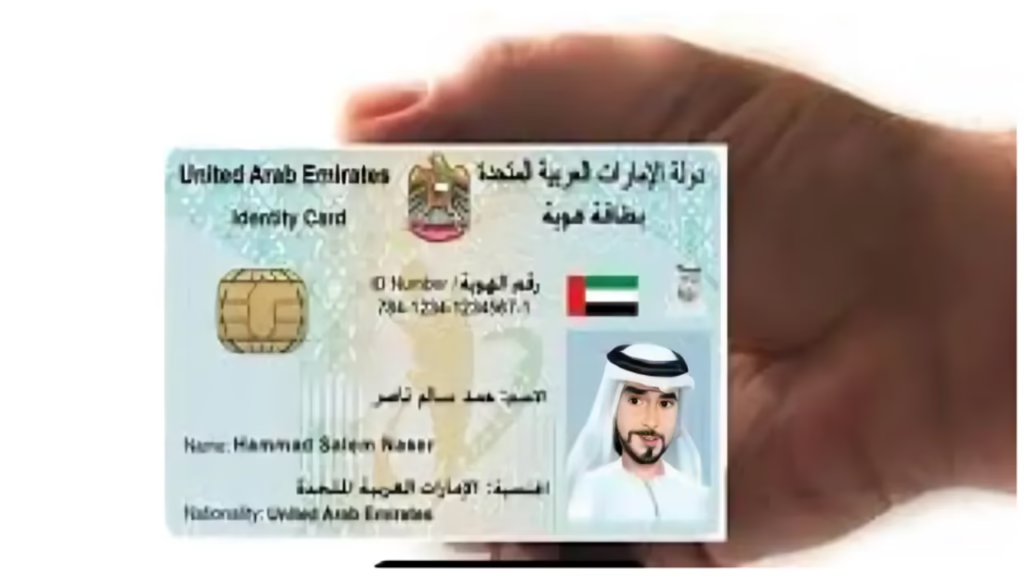
Overview: You don’t need to wait for a physical card.
If your Emirates ID is under process:
You can:
- Use the UAEICP app
- Access through UAE Pass
- Generate QR code
- Add to Apple Wallet
Digital version works for:
- Banking
- Government services
- SIM activation
- Medical appointments
Even during processing, you can still complete transactions.
Emirates ID for Business Owners & Investors
Overview: Entrepreneurs must prioritise Emirates ID tracking.
It is required for:
- Trade license processing
- Opening business bank accounts
- Signing tenancy contracts
- Employee sponsorship
Without completing the Emirates ID status check, business setup may get delayed.
How Long Does Emirates ID Processing Take?
Overview: Standard processing timelines.
Typical duration:
- 5–10 working days after biometrics
- 1–2 weeks for delivery via Emirates Post
- Fawri urgent service: 24 hours (limited cases)
If it exceeds 15 days, perform Emirates ID tracking and contact ICP.
Common Emirates ID Errors & Solutions
“Record Not Found”
You entered the wrong number format.
“Expired”
Renew immediately.
“Application Returned”
Correct documents and resubmit.
“Rejected”
Contact ICP for explanation.
Always double-check details before doing an Emirates ID status check.
PRAN vs Emirates ID Number – Know The Difference
Overview: When doing an Emirates ID status check or Emirates ID tracking, many residents get confused between PRAN and the Emirates ID number.
It is important to understand that both are used to track the Emirates ID in the UAE. Here are the top differences:
- PRAN (Personal Registration and Application Number):
This is your application number. It is issued when you first apply, renew, or request a replacement Emirates ID. You can find it on your application form or confirmation SMS/email. PRAN is primarily used to track applications that are still in process.
- Emirates ID Number (IDN):
This is the 15-digit number printed on your physical Emirates ID card. It is used for renewals, replacements, and official identification across UAE services.
In short: Use PRAN for new or pending applications, and use your Emirates ID number once your card has already been issued.
Benefits of Emirates ID
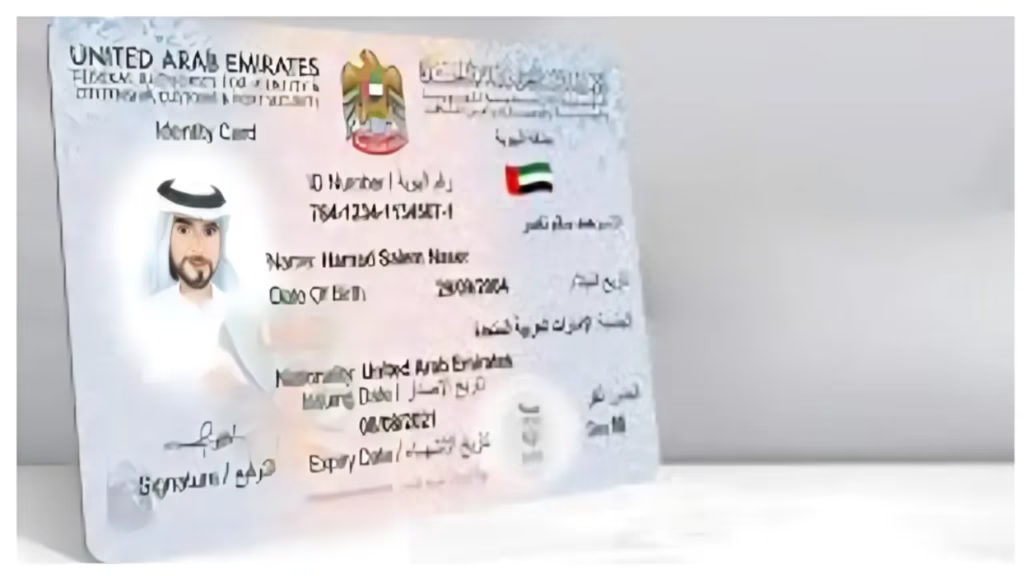
Overview: It’s not just identification.
Key Benefits of the Emirates ID:
- Government & Legal Services: You need it for accessing, renewing, or applying for government services, including legal documents, visa procedures, and administrative tasks.
- Travel & Immigration: It can be used for passing through eGates or Smart Gates at UAE airports and as a valid travel document for GCC nationals moving within the region.
- Healthcare: It is usually linked to health insurance, allowing for instant retrieval of coverage information at medical facilities.
- Banking & Finance: Helps with opening bank accounts, updating KYC details, and performing financial transactions.
- Security: The card’s microchip stores biometric data (fingerprints) for secure authentication and identity verification.
Tips for Smooth Emirates ID Tracking
Before ending, remember these:
- Always use the official ICP portal
- Enter the correct PRAN/ID number
- Check status weekly
- Keep your mobile number updated
- Save SMS notifications
- Download the UAEICP app
Regular Emirates ID status check prevents last-minute stress.
Frequently Asked Questions (FAQs)
1. How can I check my Emirates ID online?
2. How long does Emirates ID take?
3. Is Emirates ID tracking free?
4. Can I travel without a physical Emirates ID?
5. What if my Emirates ID status shows rejected?
6. Can the employer track the Emirates ID for me?
7. What happens if I don’t renew on time?
Conclusion
Doing an Emirates ID status check is simple but extremely important. Whether you apply for the first time, renew, or replace a lost card, regular Emirates ID tracking ensures you stay compliant in the UAE. Always use official ICP channels to check Emirates ID online, monitor progress, and act quickly if delays occur.
Read more: How to avoid the new standardised overstay fines in the UAE





1 thought on “How to Check Emirates ID Status Online (2026 Complete Guide for UAE Residents)”