
Published: Monday, 8 June 2026, at 1:36 pm| Dubai | Edited: Monday, 8 June 2026, at 1:37 pm
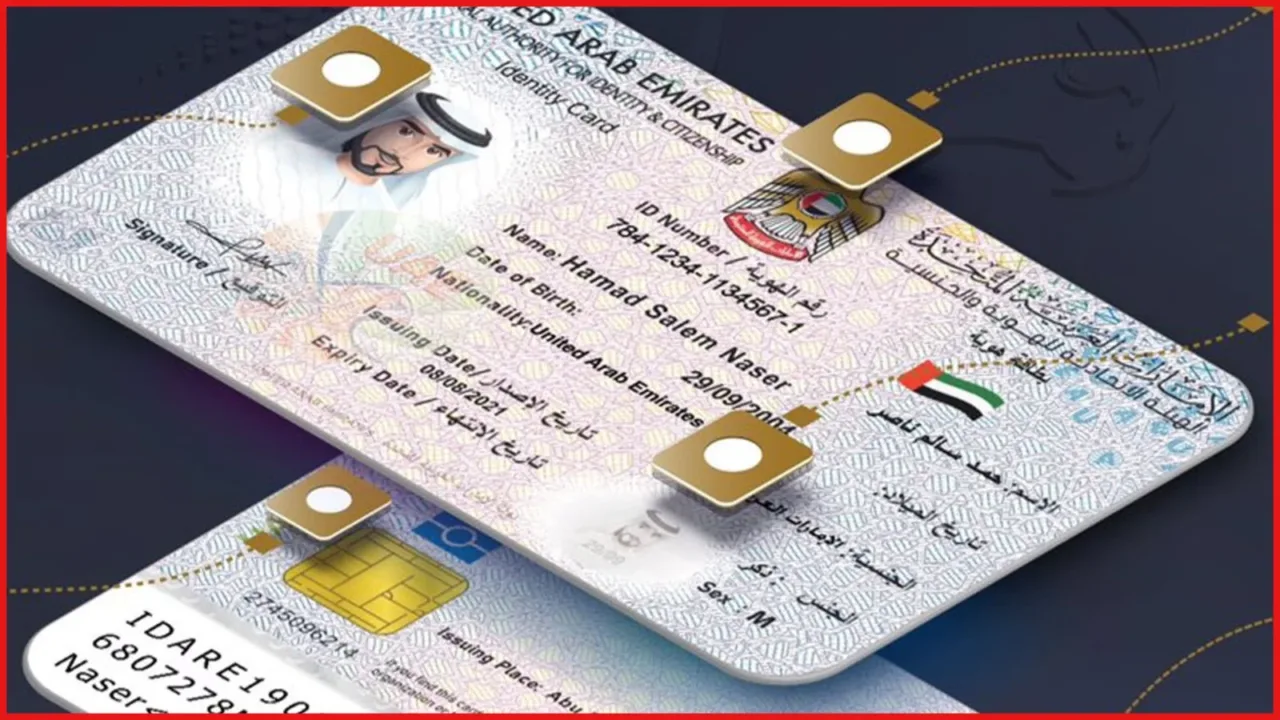
In our previous section, we discussed how to obtain a UAE visit visa, along with its required documents and eligibility criteria. One key element we highlighted was the Emirates ID. In this section, we will look at how to apply for a brand new Emirates ID if you find a job on a tourist visa, how to renew Emirates ID, and the exact steps to check your card’s validity and outstanding fines online.
ALSO READ PREVIOUS ARTICLE: New UAE Visit Visa Rules 2026: Everything You Need to Know Before You Fly
What is an Emirates ID?
A brief overview of the UAE’s mandatory national identity card system.
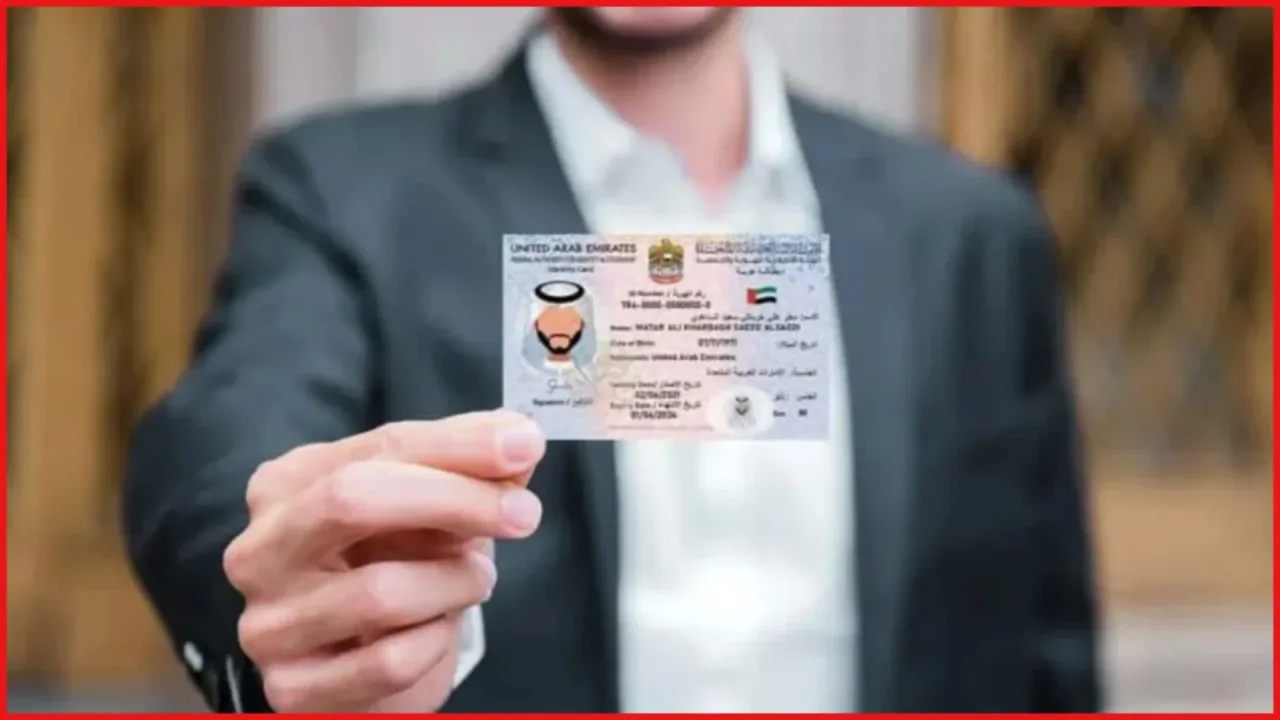
The Emirates ID is a mandatory legal identity card issued by the Federal Authority for Identity, Citizenship, Customs and Port Security (ICP) to all UAE citizens and residents. It serves as the definitive proof of identity required to live, work, and access services across all seven emirates.
Key Features of the Identity Card
- 15 Digit Unique Number: Every resident receives a permanent 15 digit identification number that remains unchanged for life, keeping your legal record consistent.
- Electronic Smart Chip: The physical card features a built in state of the art smart chip that securely stores your biometric data, including fingerprints, passport details, and visa status.
- Digital Integration: UAE residents do not always need to carry the physical plastic card, as an official digital copy is instantly accessible through the UAE Pass and official ICP mobile applications.
Common Everyday Uses
- Government and Corporate Utility: You cannot purchase a local mobile SIM card, open a personal or corporate bank account, or sign a residential tenancy contract without presenting a valid ID.
- Airport Smart Gates: Residents can bypass traditional passport control queues at UAE airports by scanning their identity cards at automated smart gates for faster travel.
- Medical Insurance Linkage: The card acts as your healthcare insurance link, meaning hospitals and clinics scan it directly to verify your medical insurance coverage.
- Public Services: Setting up electricity and water connections, applying for a UAE driving license, and registering vehicles require this card.
Shifting from a Tourist Visa to an Emirates ID: The Complete Step by Step Guide
The exact legal and medical sequence you must follow after securing a job while on a UAE visit visa.
If you arrived in the country on a tourist visa and successfully secured employment, you must transition your legal status to an administrative residency visa. Because the Emirates ID portal is hardlinked to your visa system, you must follow this exact sequence to ensure your application moves smoothly
- Step 1: Finalize Your Change of Status (Entry Permit) Your new employer must initiate an internal visa change to move you from a tourist setup to an employment visa. Your sponsor will process the formal entry permit through immigration channels (GDRFA or ICP). This process can be done directly inside the country for an administrative fee, or via an airport to airport exit loop. You cannot start the ID application until this digital employment visa is active in the system.
- Step 2: Pass Your Mandatory Medical Fitness Test All prospective residents must undergo a mandatory government medical fitness screening consisting of blood tests and a chest X-ray at an approved medical center. The official results are uploaded electronically directly to the immigration portal within 24 to 48 hours. Concurrently, your sponsor must activate your mandatory health insurance plan, as the system requires health coverage to approve your residency.
- Step 3: Submit the Emirates ID Application Form Once your medical clears, you or your company’s HR department can officially submit the application. You can complete this yourself using the UAEICP mobile app (or the official portal icp.gov.ae) by logging in via UAE Pass. Alternatively, you can hand over your original passport and a white background passport photo to an authorized typing center or Amer center to have them submit it.
- Crucial Tip: Ensure your company registers your personal, active UAE mobile number on this form rather than the typing center’s number, as all critical text updates will go directly to this line.
- Step 4: Complete Your Biometrics Capture (Fingerprint Slot) First time applicants must visit an official registration center to capture their fingerprints and iris scans. Once the application form is paid for, you will receive an ICP registration form containing a biometric appointment slot. You must visit a designated ICP Customer Happiness Center within 30 days of generating your form to record your biometrics and take a digital facial photograph. (Note: Minors under the age of 15 are exempt from fingerprinting).
- Step 5: Track and Collect Your Physical Card Once your residency visa is stamped digitally and biometric approval is complete, tracking updates will arrive via SMS. While waiting for the physical plastic card to print, you can instantly load the legal digital version of your card inside your UAE Pass or UAEICP mobile application. Within a few working days, your physical card will be delivered to a designated Emirates Post office. You can collect it by presenting your original passport.
How to Renew Emirates ID Cards: The Complete Step by Step Guide
The straightforward steps and critical requirements to successfully renew an expiring or expired resident identity document.
When your residency visa comes up for extension, knowing exactly how to navigate the renewal workflow ensures you avoid sudden administrative delays or unwanted financial penalties. Follow this integrated guide to complete your renewal smoothly
- Step 1: Renew Your Primary Residency Visa First The Emirates ID renewal system checks your underlying visa status before unlocking your file. Your employer or sponsor must officially trigger, process, and approve your primary residency visa extension via MOHRE, GDRFA, or ICP channels first. Your passport must also have a remaining validity period greater than 6 months at the time of this application.
- Step 2: Log In via the Official UAE Pass Portal Once your visa is secure, access the official ICP Smart Services platform (smartservices.icp.gov.ae) or open the official UAEICP mobile application. Log in securely using your biometric UAE Pass digital credentials for instant identity verification.
- Step 3: Initiate Renewal and Verify Your Contact Data Navigate to the ‘Emirates ID’ services section and click on ‘Identity Card Renewal’. Your current card data will auto populate directly from the federal database. Take this moment to double check and perform a thorough contact verification. Ensure the form features your current, active personal phone number so you receive automated text messages tracking the printing and shipping stages. You can also update changes to your home address or company name here.
- Step 4: Upload Required Documents, Align Insurance, and Pay Fees Upload clean, high resolution digital copies of your passport (the main photo page and your newly renewed digital visa page) along with a compliant passport sized photograph with a white background. At this stage, your sponsor must ensure your medical insurance policy is fully updated; the system will block the submission if your health coverage has lapsed. Once aligned, pay the official renewal fees online via a credit or debit card.
- Step 5: Check for Biometric Alerts and Handle Data Corrections Most returning adult residents do not need to rescan their fingerprints for routine renewals. However, individuals who have been in the national system for over 10 years or are turning 15 years old will receive an SMS alert to book a slot for a quick biometrics update at an ICP center within 30 days. If no biometric prompt arrives, your card moves straight to the printing queue.(Note: Keep a close eye on your messages. If the authority requests any modifications or extra documents due to data typos, you must complete those prompt data corrections within 30 days to avoid application cancellation).
Tracking Your Application Status Online
How to monitor your ongoing application through official digital channels.
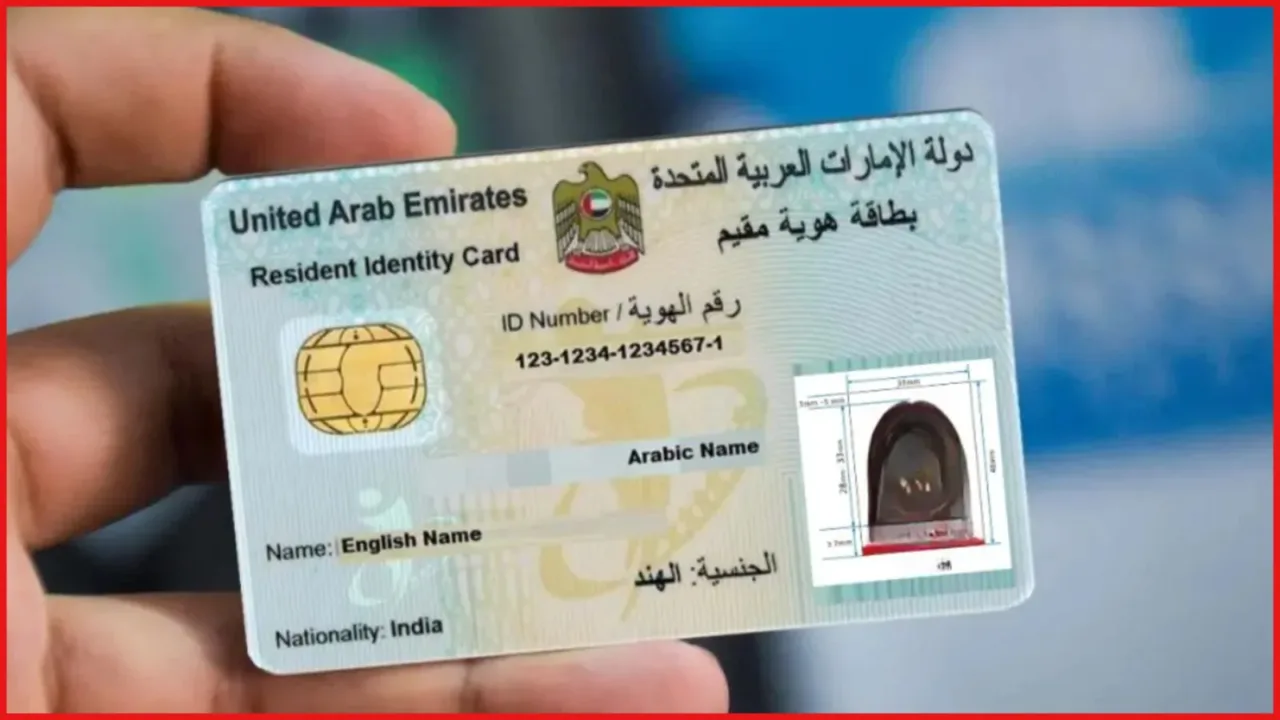
You can easily run an online Emirates ID check to see exactly where your card is in the processing pipeline.
Open the official ICP portal at smartservices.icp.gov.ae and select the ‘Check Application Status’ module. Paste your 15 digit identity number or the application number (often labeled as a PR number) into the search field. The system will display a live update showing whether your card is awaiting biometrics, currently printing, or ready for pickup. Downloading the UAE ICP app gives you an active digital card copy instantly.
Checking for Fines and Penalties
How to look up late renewal fees or associated traffic penalties online.
Running a regular Emirates ID fine check helps you stay on top of any accumulated financial penalties before they turn into major legal issues.
Identifying Immigration and Late Renewal Fines
To check for overstay penalties or fines resulting from a delayed card renewal, head to the official ICP Smart Services portal’s fines section. Select the residency fine inquiry tool and enter your identity details or passport number. The system will pull up an itemized breakdown of any outstanding fees, which you can pay directly online using a credit card.
Checking Traffic and Municipal Fines
If you hold a Dubai issued residency visa, running an Emirates ID check via the General Directorate of Residency and Foreigners Affairs (GDRFA) platform is highly effective. By downloading the GDRFA Dubai app and using the dedicated fine inquiry tool, you can check if your identity card has any linked traffic tickets, RTA violations, or municipal fines registered against it.
Important Penalty Rates: The UAE government grants a 30 day grace period to renew your card once it expires. If you fail to renew within this window, a daily late fee of 20 Dirhams (AED 20) accumulates, up to a maximum cap of 1,000 Dirhams (AED 1,000).
Conclusion
Keeping your Emirates ID updated is essential for a seamless and hassle free life in the UAE. By following these simple steps for application, renewal, and tracking, you can easily stay compliant with local laws and avoid unexpected penalties.
FAQ
How long does it take to get my physical card after applying?
It typically takes 5 to 7 working days for the card to be printed and delivered to your post office after visa approval.
Can I travel outside the UAE if my card has expired but my renewal is processing?
Yes, provided your visa renewal is officially approved in the system and you carry the official transaction receipt.
What should I do if I find a spelling mistake on my printed card?
You must report the mistake to an authorized typing center or via the ICP app within 30 days to get it corrected.
Can I complete an Emirates ID fine check for traffic violations in other Emirates?
Yes, you can check national traffic fines across all emirates using the official Ministry of Interior (MOI) website or app.







2 thoughts on “How to Apply and Renew Your Emirates ID?: Check Validity, Fees, and Late Penalties, Complete 2026 Guide”