Posted: Saturday, 14 March 2026 , 8:43 pm | Dubai
Android users have waited years for a better way to manage their texts. With the latest Google Messages Copy Paste Update, the wait is finally over. Let’s look at how this feature works and why it is a game changer for your daily messaging.
RELATED READS: Google Gemini Takes on the SAT: Free Practice Exams, Smarter Study Tools, and a New AI Push in Education
gemini on Google TV: The AI Evolution Your Living Room Has Been Waiting For
The AI War of 2026: Google Makes a Mistake, Musk Makes a Meme
Google Messages Copy Paste Update; Solving a Frustrating Messaging Problem
This section highlights the history of text copying issues in the app.
For a long time, Google Messages had a small but very annoying problem. When you wanted to copy a single word or a verification code, you were forced to copy the entire message bubble. This made things difficult, especially when the message was several paragraphs long.

The Google Messages Copy Paste Update is Google’s direct response to this feedback. Instead of wasting time pasting a whole message into a different app just to edit it, you can now grab exactly what you need right where you are.
Google Messages Latest Beta Features
Details regarding the technical version and the devices currently testing the update.
The ability to select text is part of the Google Messages latest beta features found in version v20260306. While Google is rolling this out slowly, it marks a significant shift in how the app handles user interaction.
- Version Info: Spotted in beta v20260306.
- Device Availability: Currently seen on the OnePlus 13R.
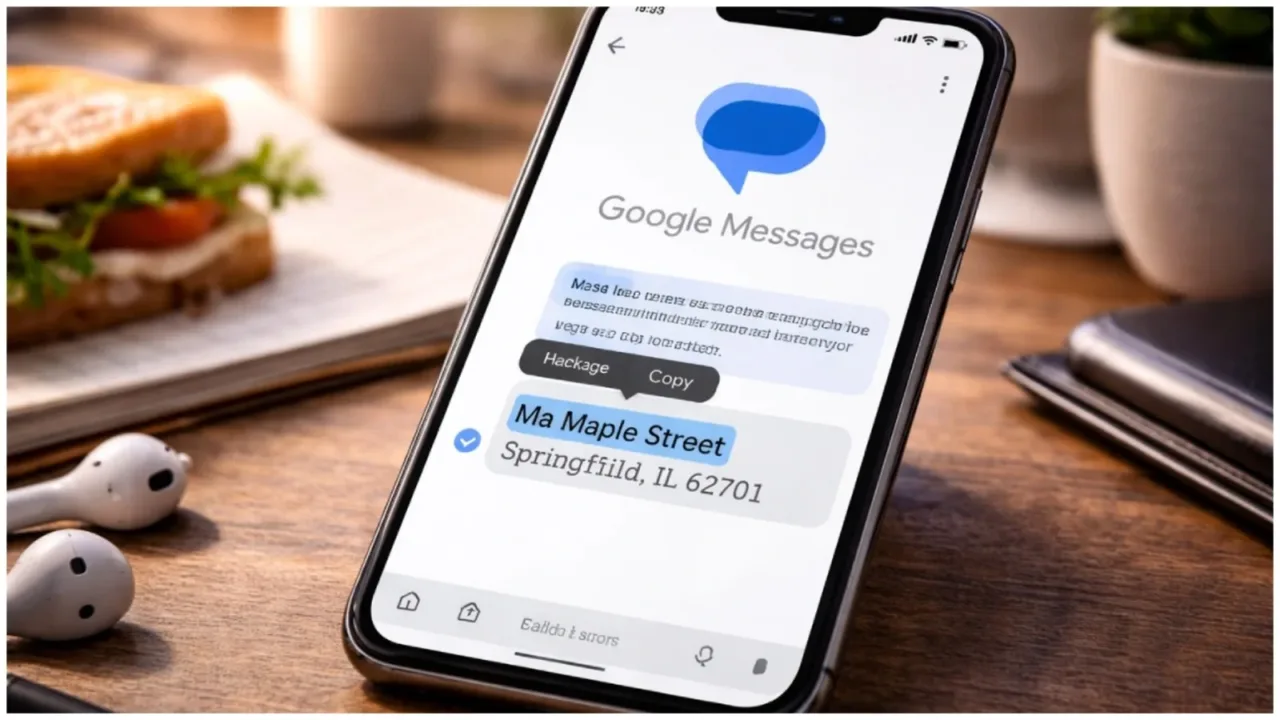
- Selective Selection: Drag handles now appear when you long-press a chat bubble.
- Efficiency: Designed to make data extraction faster for all Android users.
How to Copy Specific Text in Google Messages
A simple guide on using the new selective selection functionality.
If you are wondering how to copy specific text in Google Messages, the process has been significantly improved with the latest Google Messages Copy Paste Update. It is now very similar to how you select text in a web browser intuitive and requiring no special settings to be turned on once the update reaches your device.
- Long Press: Tap and hold the message you want to select from.
- Drag to Select: Use your finger to highlight specific words, numbers, or links.
- The Floating Bar: A toolbar will appear with the ‘Copy’ option for your selected text.
- Full Copy Option: You can still use the traditional button to copy the whole message if needed.
ALSO READ: How to Create Stunning AI Images with Google Gemini Prompt Couple Photo
ChatGPT Now Accesses Gmail & Google Calendar (With Your Consent)
The Benefits of the Android Message Text Selection Tool
Understanding the practical impact of selective copying on user productivity.
The introduction of a dedicated Android message text selection tool within the Google app simplifies many common tasks. It is particularly useful for those who frequently receive technical information or long instructions via SMS or RCS.
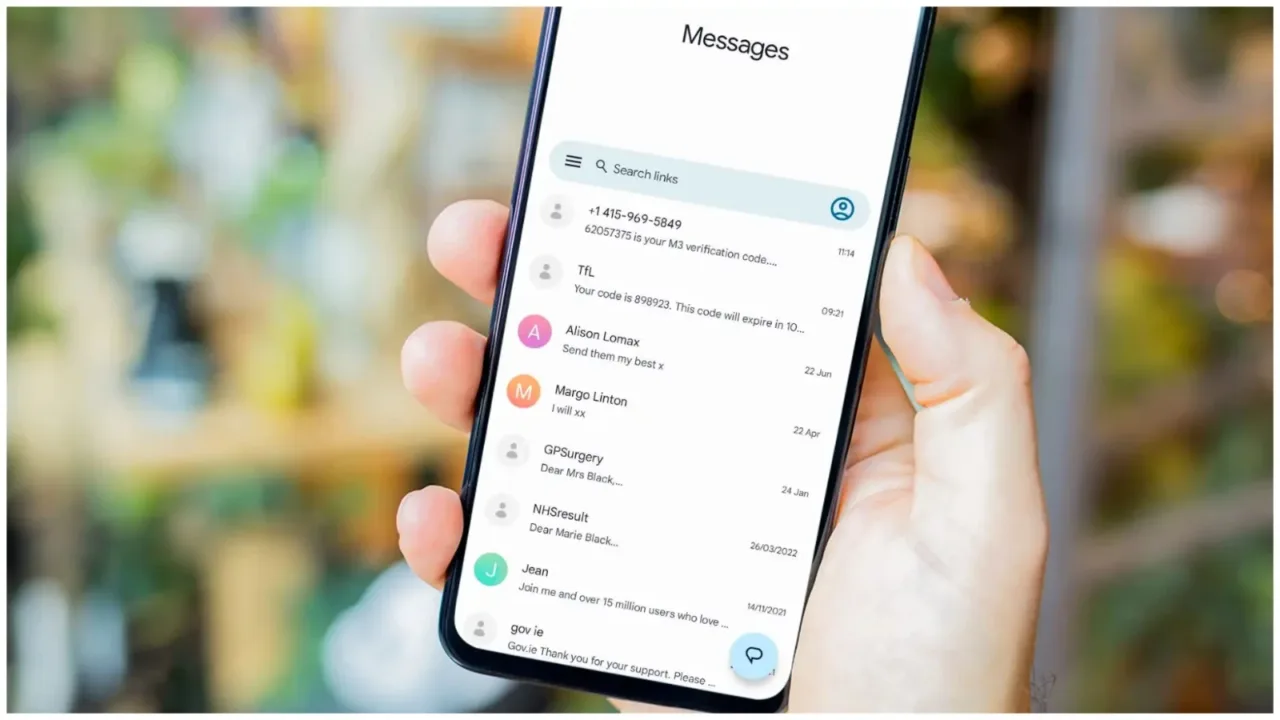
- Easy OTP Extraction: Copy just the 6 digit code for your bank login.
- Address Sharing: Select only the street name to paste into your GPS.
- Cleaner Clipboard: Your clipboard won’t be cluttered with useless, long paragraphs.
- Better Productivity: Reduces the number of steps to move data between apps.
Google Messages Update for Galaxy Phones and More
Information on the wider release and future device compatibility.
While the beta is active now, the Google Messages Copy Paste Update for Galaxy phones and other flagship devices is expected to arrive shortly. Google Messages is now the default app for many manufacturers, making this Google Messages Copy Paste Update a global priority for Android users worldwide.
- Phased Rollout: Google is releasing the update in stages to ensure stability.
- Stable Version: Most users will see this in their regular app updates in the coming weeks.
- Wider Support: All eligible smartphones running the latest Android version will receive this.
Conclusion
The Google Messages Copy Paste Update is a simple but powerful fix that makes Android messaging much more modern. By allowing us to choose exactly what we copy, Google has made our digital lives just a little bit easier.
FAQ
1. What is the new Google Messages Copy Paste Update? It is a new feature that allows users to highlight and copy specific parts of a text message rather than the entire message.
2. How to copy specific text using the new Google Messages Copy Paste Update? Simply long-press a message and use the selection handles to highlight the specific text you want, then tap ‘Copy’.
3. Is this part of the Google Messages latest beta features? Yes, it was first spotted in beta version v20260306 and is currently being tested.
4. When will I get the Google Messages update for Galaxy phones? Google is rolling this out gradually. If you are not a beta tester, you should see the feature in a stable update within the next few weeks.