
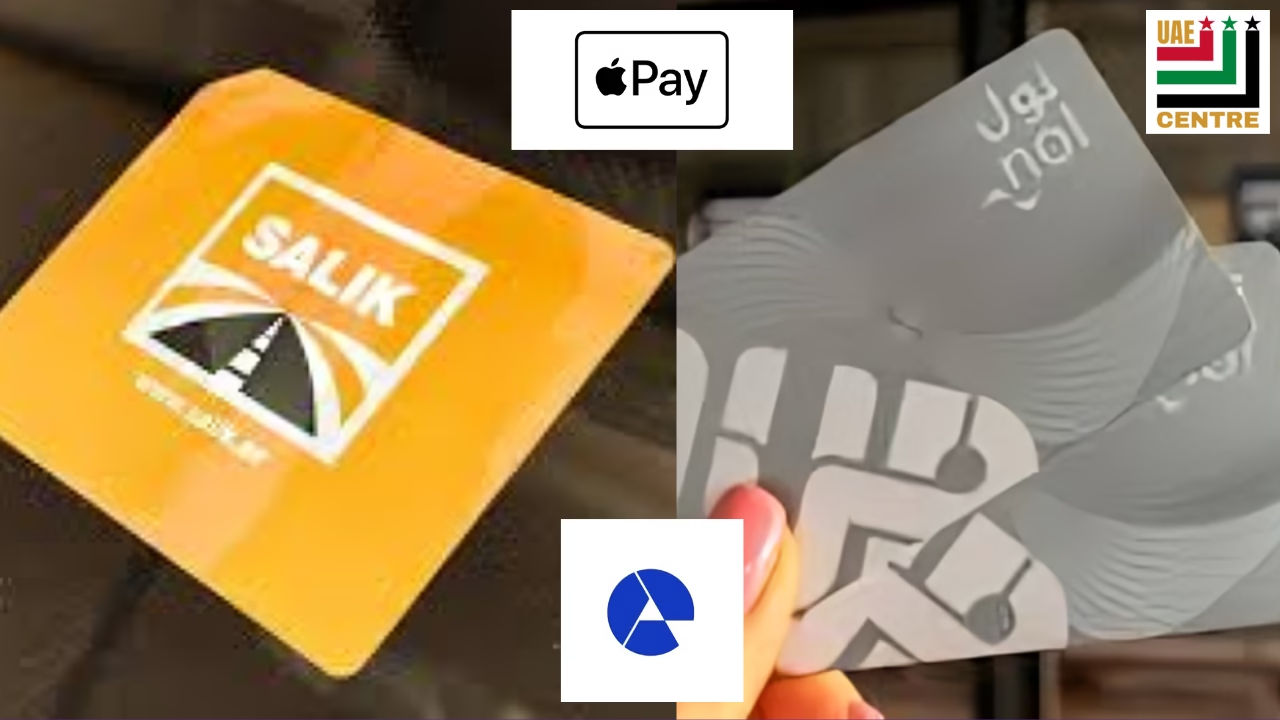
Public transport and road toll payments are a daily part of life in the United Arab Emirates (UAE), especially in Dubai. Similarly, the popularity of Apple Pay and digital wallets is also increasing. Hence, many residents wonder whether the Nol or Salik can be directly added to Apple Pay or used via AE coin.
Today, I will clear all your doubts about using these cards with Apple Pay or AE Coin. Plus, I am going to guide you on how to use these cards using Apple or AE wallet.
Can You Add a Nol Card to Apple Pay or Apple Wallet?
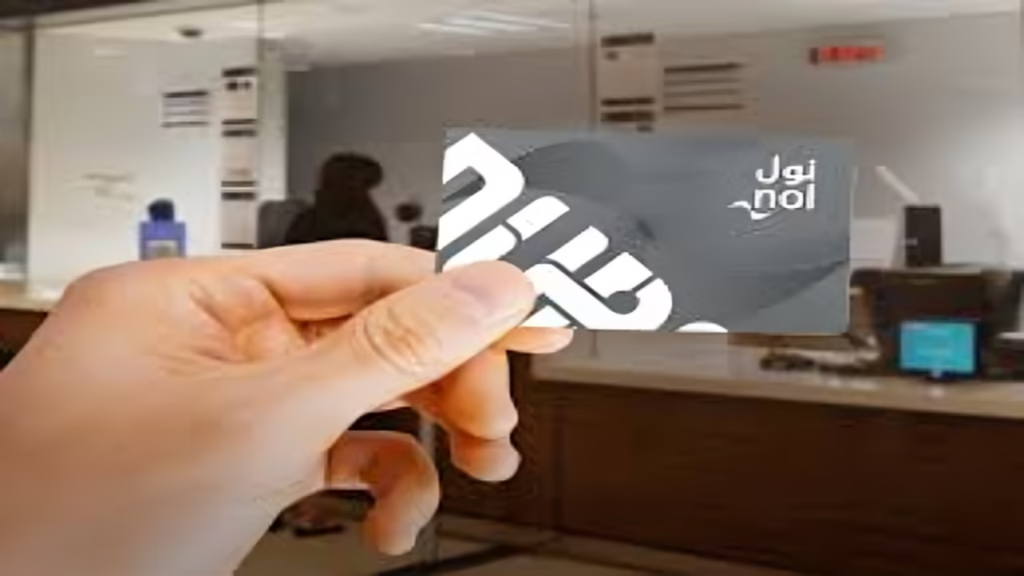
As of now, you cannot add a it directly to Apple Wallet or Pay. However, Apple Wallet supports many international cards. Still, the Dubai Nol is not among the supported options.
Even suppose you open the Nol Pay app, manage your physical or digital card, check card details, or try to add a card manually from Apple Wallet. In that case, you will not see any option to add a this card to Apple Wallet.
Why Is Nol Not Supported on Apple Wallet?
The limitation is not only on the side of Apple. Instead, the card issuer must enable a built-in “Add to Wallet” option inside their app and Backend compatibility with Apple’s transit payment system for a transit card to work in Apple Wallet. As of now, these cards do not support this functionality. Therefore, it has made direct this option’s usage for Nol taps impossible on iPhone or Apple Watch.
Can You Use Apple Pay for Nol Payments in Any Way?
As I told you about you cannot tap your iPhone to pay Nol fares. Still, you can use Apple Pay indirectly in limited scenarios like paying for top-ups of these cards on supported websites or apps (where Apple Pay is accepted as a payment method). On the other hand, the card itself must be physically tapped on metro gates, buses, trams, or parking meters.
Can You Add a Salik Card to Apple Pay?
Just like Nol, Salik cannot be added directly to Apple Wallet. There is no option to add Salik as a transit or toll card in Apple Wallet or to use your iPhone or Apple Watch as a Salik toll tag replacement. Still, Salik requires a physical tag connected to your vehicle.
How to Use Apple Pay to Recharge Your Salik Account
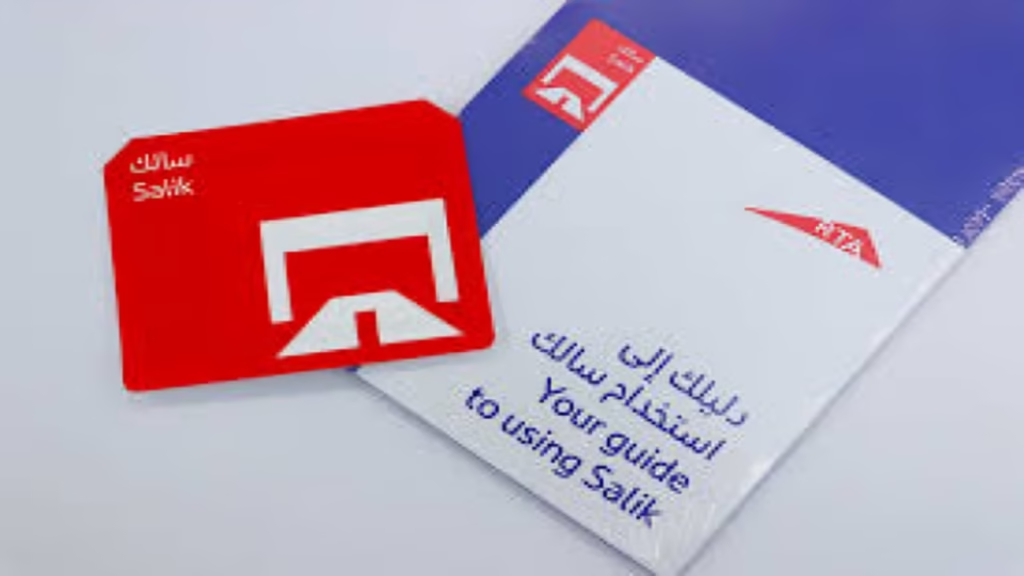
Direct integration is not available. Still, you can recharge your Salik account using Apple Pay through supported apps. Below are the top ways to do so:
- DubaiNow App
This app is one of the easiest ways to manage and recharge your Salik. Here are the steps to recharge or manage it:
- Open the DubaiNow app and sign in using UAE Pass
- Tap on the “Driving” section
- Select Salik
- Add your Salik account number and PIN
- Choose a recharge amount or enable auto top-up (triggers when balance drops below Dh4)
- Pay using Apple Pay or a linked credit card
This method also helps centralise other services like DEWA and telecom bill payment.
2. Careem App
This app is popular for booking taxis or food delivery. In addition, you can also use it to recharge Salik. However, you must follow the following steps:
- Open the Careem app
- Scroll to “Pay your bills”
- Select Salik
- Add your account using your registered mobile number
- Enter your car plate number and Salik code
- Choose a recharge amount
- Pay using Apple Pay or a credit/debit card
This is a convenient option for frequent Careem users in the nation.
Can You Use AE Coin to Recharge Nol or Salik?

No, you cannot use the AE coin to recharge the these cards at this time. However, there is a growing interest in digital currencies and reward-based coins. Still, the AE coin is currently not supported for these cards top-ups and Salik account recharges.
Residents are required to rely on bank cards, Apple Pay indirectly, or authorised apps for payments or recharging the card.
Will Nol or Salik Support Apple Wallet in the Future?
There have been unofficial reports and speculation suggesting that digital wallet integration might be introduced in the future. However, no official timeline has been introduced. Moreover, there are no confirmed updates about the same from the RTA or Salik authorities. Direct Apple Wallet integration will stay unavailable until the card systems themselves are upgraded.
Final Verdict for UAE Residents
The best option is to combine physical cards with the digital payment apps for recharge for now. However, it would also be best to keep your eye on the future updates from the UAE authorities.
If you depend heavily on Apple Pay, this knowledge can help you save time and prevent confusion when travelling or driving in Dubai or across the UAE.
FAQ
1. Can I add my Nol card directly to Apple Wallet?
2. Can I tap my iPhone or Apple Watch to pay Nol fares in the Dubai Metro or buses?
3. Can I add my Salik card to Apple Wallet?
4. Can I use Apple Pay to recharge my Salik account?
5. Can I use Apple Pay to recharge my Nol card?
Read more:
Dubai Weather Warning 2025 Issued as Authorities Alert Residents Over Rain and Unstable Conditions
Contactless Check-In at Dubai Hotels 2026: Citywide System to Transform Innovative Guest Arrivals









4 thoughts on “How to Use Nol/Salik Cards with Apple Pay or AE Coin 2026”