
Monday, 19 January 2026| United Arab Emirates |Post Time 8:29 pm
The Windows 11 shutdown bug fix 2026 has finally arrived to rescue users struggling with computers that refuse to turn off. Microsoft acted quickly after thousands of users reported system failures.
RELATED READS: UAE Leads the World in AI Adoption: Microsoft Report Confirms Record Workplace Usage in 2025
UAE AI Readiness: IMF Says the Emirates Leads GCC in Technology and Education-Driven Growth
e& Showcases the UAE’s Next Tech Frontier at GITEX Global 2025
For the tech-savvy community in the UAE and globally, this Microsoft emergency update is a critical download. Many users found that after installing the latest Windows 11 security update, their laptops would simply stay on, draining battery life and causing frustration. This incident highlights how even minor software glitches can disrupt the daily workflow of millions who rely on their PCs for business and personal use.
The Root Cause of the Shutdown Failure
Understanding why your PC stopped turning off after the latest update.
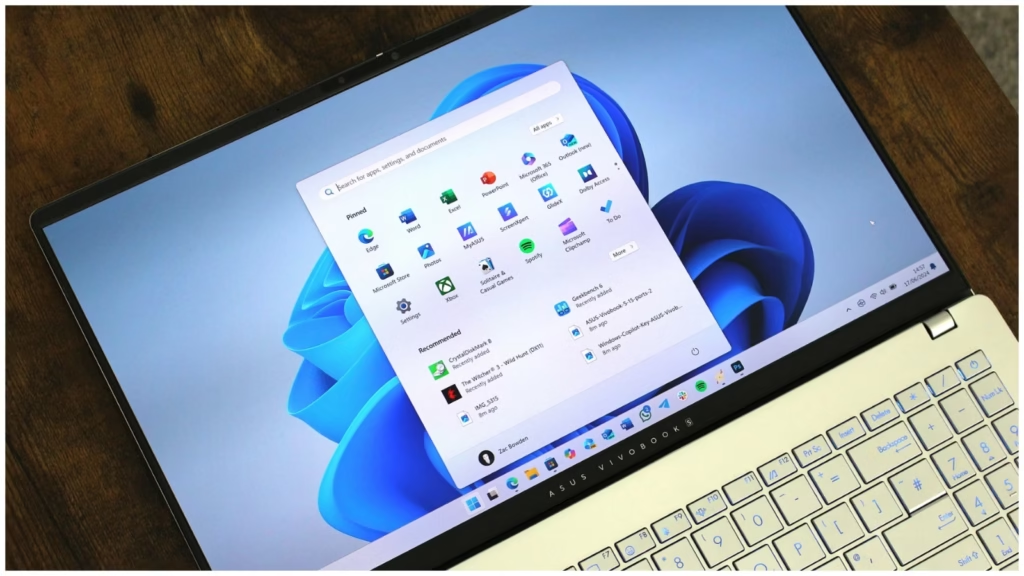
The trouble began with the Windows 11 security update (KB5073455) released on January 13, 2026. This update was intended to protect users from firmware-level threats, but it accidentally interfered with the power management system. As a result, users faced significant PC hibernation problems, where the system would hang indefinitely during a restart or shutdown.
Microsoft identified that the “Secure Launch” feature was the main culprit. While Secure Launch is vital for blocking firmware-level threats during the boot process, it created a conflict in the 23H2 version of the OS. The Windows 11 shutdown bug fix 2026 was specifically designed to untangle this conflict and restore normal power functions to affected devices.
How the Emergency Update Resolves the Bug
A look at the out-of-band patch released to fix power and connectivity issues.
To address the chaos, the Microsoft emergency update (KB5077797) was pushed out on January 17, 2026. This patch is what Microsoft calls an “out-of-band” update, meaning it was released outside the normal monthly schedule because the issue was so urgent. Installing this patch is currently the only official way to apply the Windows 11 shutdown bug fix 2026.
Beyond fixing PC hibernation problems, this new update also repairs a broken remote connection feature. The previous Windows 11 security update had caused sign-in failures for those using Remote Desktop and Azure Virtual Desktops. By cleaning up the code that protects against firmware-level threats, Microsoft has restored both physical power control and remote access stability for global users.
Steps to Fix Your Windows 11 PC
Guidelines for users in the UAE and elsewhere to restore their system stability.
To get your computer back to normal, you should check for the Microsoft emergency update immediately. Most systems will download the Windows 11 shutdown bug fix 2026 automatically, but you can also find it in the Microsoft Update Catalog. This is the fastest way to stop facing PC hibernation problems and ensure your device is safe from firmware-level threats.
- Open your Settings menu and navigate to “Windows Update.”
- Click on “Check for updates” to find the latest Windows 11 security update.
- Look for the specific patch number KB5077797.
- Restart your computer after the installation is complete to verify the fix.
- Check if the PC hibernation problems have disappeared by trying a test shutdown.
ALSO READ: China’s New 80 kWh Hybrid Battery: 80% Charge in Just 10 Minutes
UAE Visa Rules 2026: Complete Guide for Expats
A Pattern of Update Issues
Examining Microsoft’s recent history with software reliability and security.
This is not the first time a Windows 11 security update has caused unintended side effects. Late in 2025, a similar update led to “bricked” systems, making it impossible for users to reset their PCs. The Windows 11 shutdown bug fix 2026 is part of a recurring cycle where security improvements against firmware-level threats occasionally compromise everyday reliability.
The Microsoft emergency update process shows that while security is a priority, the user experience is equally important. When basic functions like turning off a computer fail, it creates a lack of trust. Users are now more cautious about installing every Windows 11 security update immediately, often waiting to see if PC hibernation problems are reported by others first.
Frequently Asked Questions (FAQs)
Common questions regarding the January 2026 Windows 11 power management bug.
- Why is the Windows 11 shutdown bug fix 2026 necessary? It is required because a previous update prevented computers with Secure Launch from turning off or sleeping properly.
- How do I get the Microsoft emergency update? You can get it through the “Windows Update” section in your settings or the Microsoft Update Catalog.
- Will the Windows 11 security update still protect me from firmware-level threats? Yes, the fix ensures that security against firmware-level threats remains active without breaking the shutdown function.
- Does this fix solve PC hibernation problems on all versions? The current Microsoft emergency update specifically targets version 23H2, which was the most affected.
- What if the Windows 11 shutdown bug fix 2026 doesn’t appear? Ensure your device has installed all previous updates, or download the patch manually from the official Microsoft website.
Summary
A quick wrap-up of the recent Windows 11 power management patch.
The Windows 11 shutdown bug fix 2026 effectively solves the power-off issues caused by the January 13 patch. By installing the Microsoft emergency update, users can protect their systems from firmware-level threats without losing the ability to shut down or hibernate their devices.
ALSO READ: How to Delete Your ChatGPT Account? A Complete Step-by-Step Privacy Guide