Published: Friday, 14 August 2026,at 11:36 pm| Dubai | Edited: Friday, 14 August 2026, at 11:46 pm
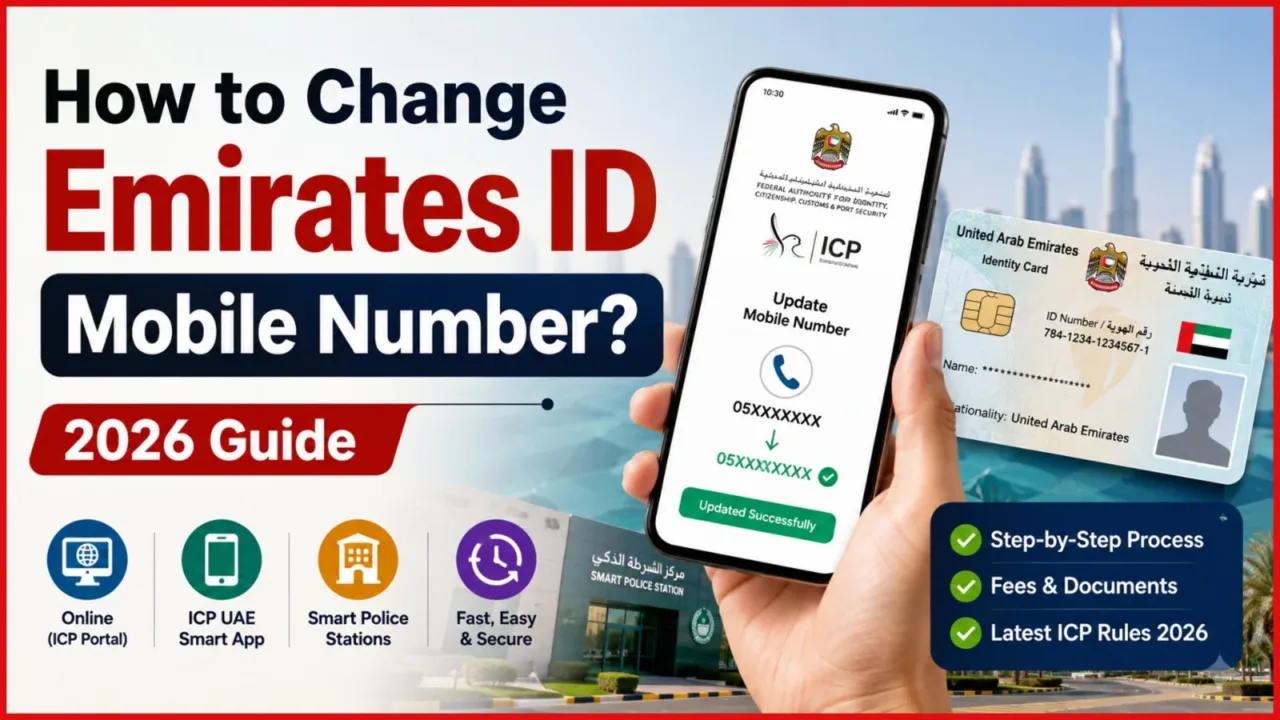
Updating your registered phone number in the UAE identity system is vital for smooth daily living. If you are wondering how to change Emirates ID mobile number effortlessly, let us explore all the details and official step by step methods in depth.
ALSO READ:
- How to Apply and Renew Your Emirates ID?: Check Validity, Fees, and Late Penalties, Complete 2026 Guide
- How to Check Emirates ID Status Online (2026 Complete Guide for UAE Residents)
- UAE Unified Passport Emirates ID Renewal System: Faster, Smarter & Zero Bureaucracy Aligned
How to Change Emirates ID Mobile Number: Complete UAE Guide
Learn why keeping your registered contact details current is essential for living in the UAE.
Your Emirates ID connects directly to almost every essential service in the UAE. Government portals, semi government platforms, healthcare systems, and residency services rely on this number for identity verification.
When your registered contact details are outdated, you will stop receiving critical OTPs, official updates, and legal notifications. This can cause frustrating delays when using UAE Pass, opening bank accounts, or completing visa processing.
Eligibility and Rules for Updating Your Number
Understand who can request a contact update and the key conditions set by the authority.
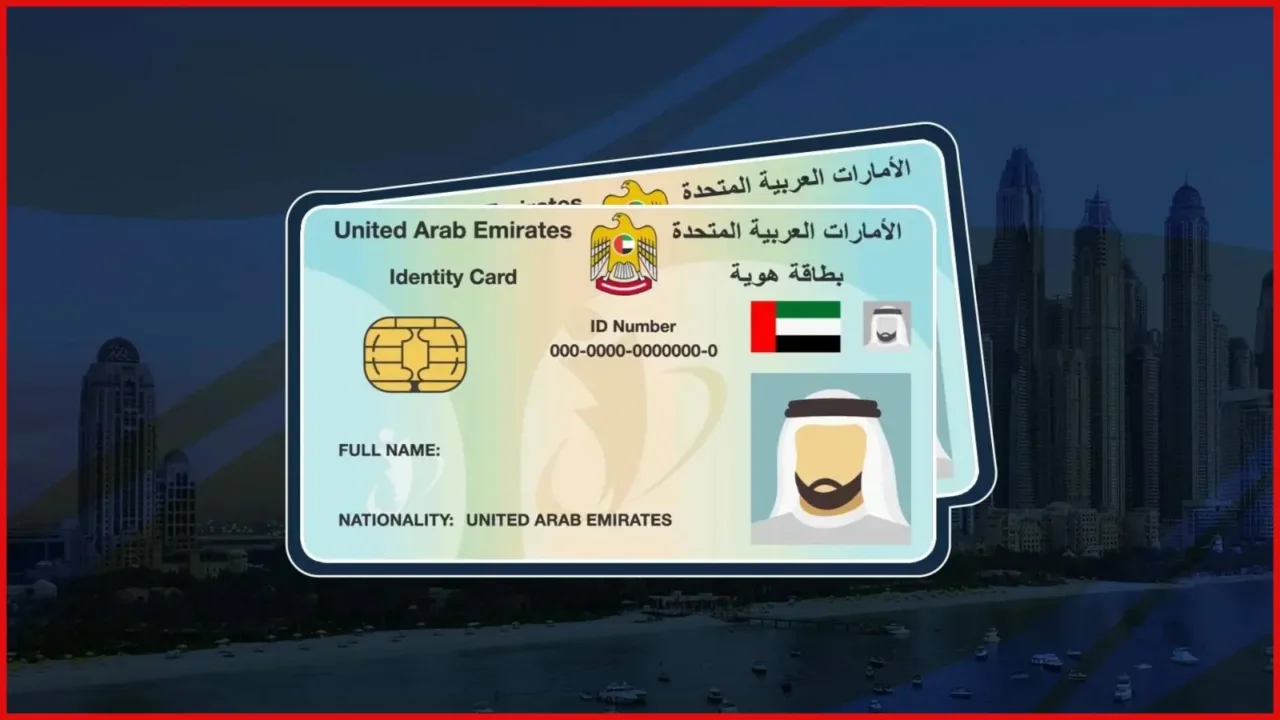
This update service is available to all valid Emirates ID holders in the UAE, including expatriate residents and GCC nationals legally residing in the country.Under current ICP rules, any change to your personal details must be reported promptly. Here are the key rules to follow
- Active UAE Number Required: You must use an active UAE mobile number, international or home country numbers are not accepted.
- One Month Deadline: ICP guidelines state that personal detail updates should be reported within one month of the change.
- OTP Access: You must have physical access to the new mobile number during the application to receive the verification OTP.
Official Methods to Update Your Mobile Number
Explore the three official ICP channels available to change your registered mobile number.
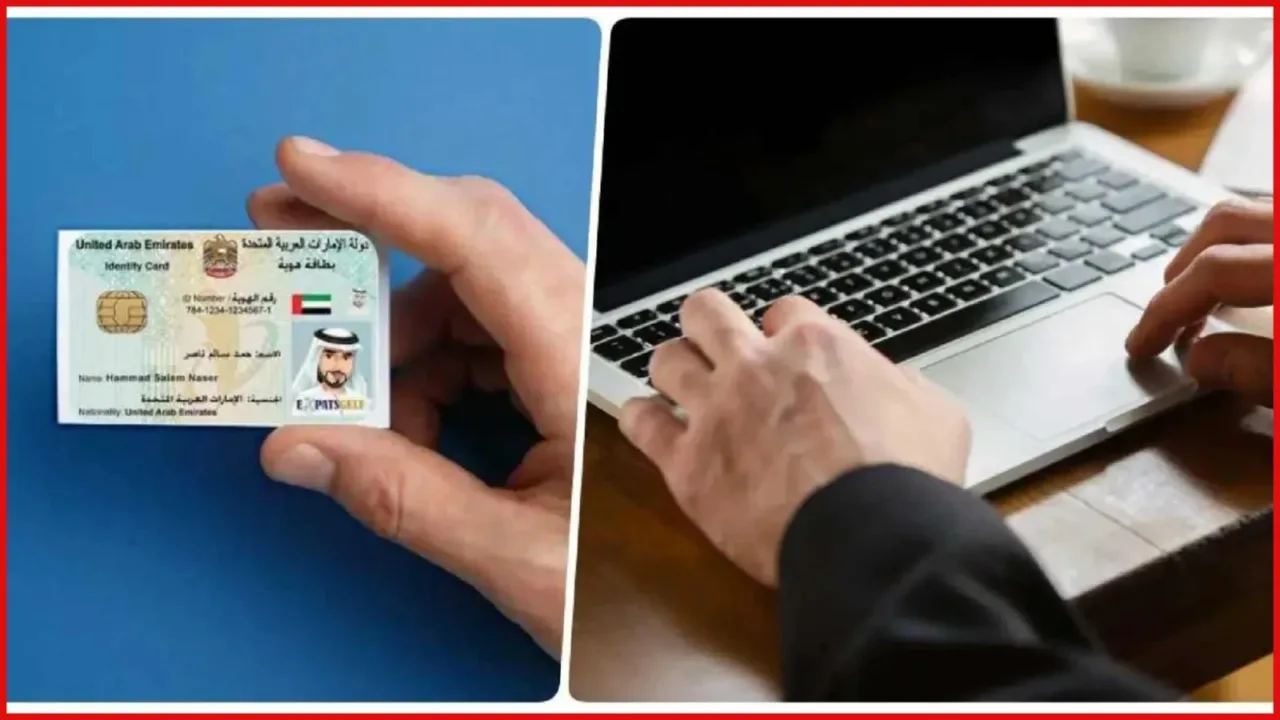
The Federal Authority for Identity, Citizenship, Customs & Port Security (ICP) provides multiple channels for residents. You can choose the online portal, the mobile app, or an instant in-person location depending on your urgency.
ALSO READ:
- 4 Easy Ways to Access Your Digital Emirates ID Instantly
- UAE Simplifies Emirates ID Renewal and Replacement with One-Step Service
Method 1: Online via ICP Smart Services
Follow these simple steps to update your number through the official web portal.
This digital channel is ideal for residents who prefer doing paperwork from their computer at home or work. Choosing ICP mobile number update online provides a secure way to submit your details directly.
- Visit the official ICP Smart Services website.
- Enter your Emirates ID number, passport details, and your last entry date to the UAE.
- Review your current registered contact details displayed on the screen.
- Type in your new active UAE mobile number.
- Enter the OTP received on your new mobile phone for verification.
- Review all information carefully and proceed to the payment step.
- Pay the required fee and save the reference number for tracking.
Method 2: Via the ICP UAE Smart App
Use the mobile app to quickly submit your update request from your smartphone.
If you prefer using your smartphone, the official mobile application offers a convenient route. Choosing to update personal information Emirates ID records via the app is straightforward and user friendly.
- Download and open the ICP UAE Smart App on your phone.
- Log in securely, preferably using your UAE Pass account.
- Select the option to update personal information Emirates ID details.
- Enter your Emirates ID and passport information as prompted.
- Input your new UAE mobile number and verify it using the OTP sent to that device.
- Check your application details, submit the request, and make the payment.
- Note down your application reference number for status checks.
Method 3: Instant Update at Smart Police Stations
Discover how to get an immediate update free of charge at physical kiosks.
For residents who need immediate changes without waiting days for approval, visiting a Smart Police Station (SPS) or select customer centres is the best choice. Choosing a Smart Police Station Emirates ID update offers on the spot processing with no service fee.
- Locate a Dubai Smart Police Station (SPS) kiosk or an ICP Customer Happiness Centre.
- Bring your original physical Emirates ID card with you.
- Insert or scan your ID card at the self service kiosk.
- Select the contact update service on the screen and enter your new UAE phone number.
- Complete the instant OTP verification on your phone.
- The system updates your records immediately on the spot.
Documents Required for the Process
Review the minimal documentation needed to complete your request smoothly.
The document requirements for updating your mobile number are very minimal, making the process quick and hassle free. However, accuracy is critical to avoid application rejection.
- Original Emirates ID: Required for in-person updates at kiosks or service centres.
- Passport Details: Required for online portal and app verification.
- Valid Email Address: Required to receive application updates and receipts.
- Active UAE Mobile Number: Essential for receiving the verification OTP during the application.
Fees and Processing Time Comparison
Compare costs and processing durations across different ICP channels.
The Emirates ID mobile number change fee and processing timeframe vary depending on the service channel you choose. Here is a clear comparison table to help you decide.
| Service Channel | Estimated Fee | Processing Time |
| ICP Online Portal | AED 53 | 2 – 7 Working Days |
| ICP UAE Smart App | AED 53 | 2 – 7 Working Days |
| Smart Police Station (SPS) | Free | Immediate |
| ICP Customer Happiness Centres | AED 100 – 150 | 24 – 48 Hours |
Note: Final costs on digital platforms may include small administrative or e-service charges at checkout.
How to Track Your Application Status
Learn how to check the progress of your submitted request using your reference number.
After submitting your request through the website or mobile app, you will receive a confirmation email containing a unique reference number.You can easily track your application status anytime by visiting the ICP portal tracking page or checking the app. Simply enter your reference number and passport details to see if your request is approved.
Important Points to Avoid Rejection
Keep these crucial tips in mind to ensure your application is processed without errors.
A few practical precautions can save you time and prevent unnecessary delays or rejections during the updating process.
- Keep Old Number Active: Keep your old SIM card active until the new number confirmation is officially received.
- Verify OTP Details: The system sends verification codes to the new number, so ensure the SIM is inside a working phone.
- Double Check Data: Entering incorrect passport or ID numbers may lead to application rejection.
- Refund Rules: If an application is rejected due to user data errors, service fees may be refunded minus small processing charges.
Conclusion
Updating your Emirates ID mobile number is quick, essential, and easy using official UAE channels.
ALSO READ:
FAQs
Can I use an international number for my Emirates ID?
No, only active UAE mobile numbers can be linked to your Emirates ID.
How much is the Emirates ID mobile number change fee online?
The fee for online or app submission is approximately AED 53.
Is it possible to update the number for free?
Yes, updates done at Dubai Smart Police Stations are free and immediate.
How long does the online update take?
Digital requests typically take between 2 to 7 working days to reflect.
Will I receive the verification OTP on my old number?
No, the OTP is sent directly to your new mobile number.